 TCSP
TCSPAdd users
- Sign-in to Microsoft 365 admin center using an administrator account.
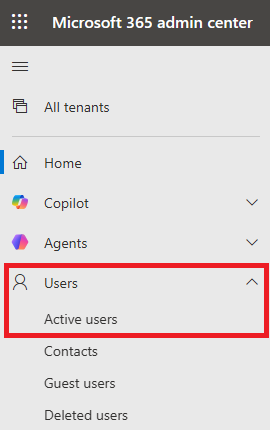
- From the left navigation, select Users > Active Users.
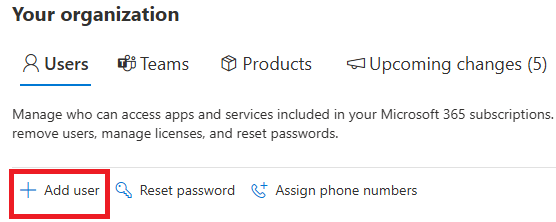
- Click + Add user.
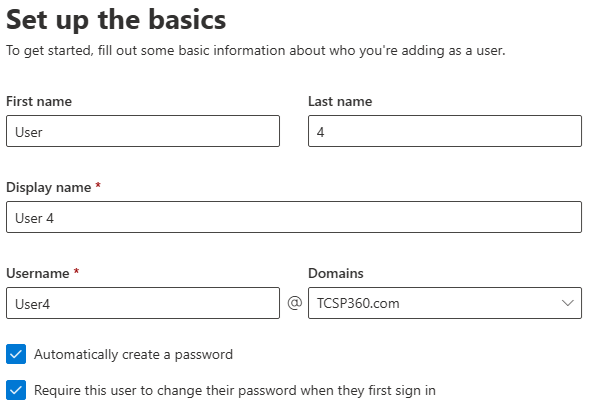
- Enter the employee’s information and click Next.
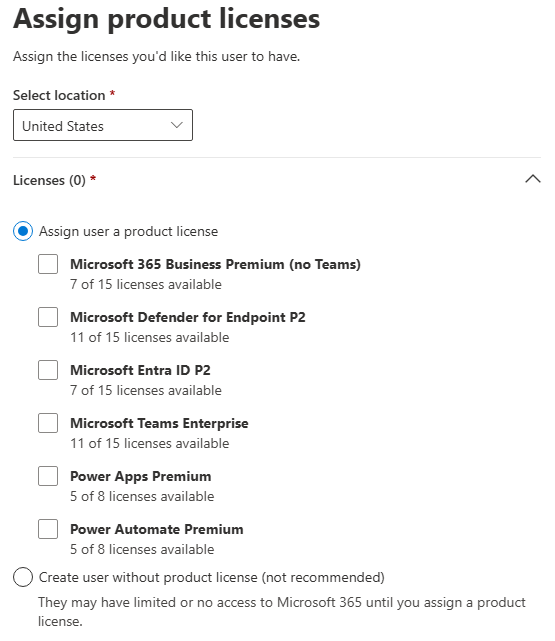
- Select the licenses/products the user should have access to.
If you are creating a local account for TCSP, select Create user without product license.
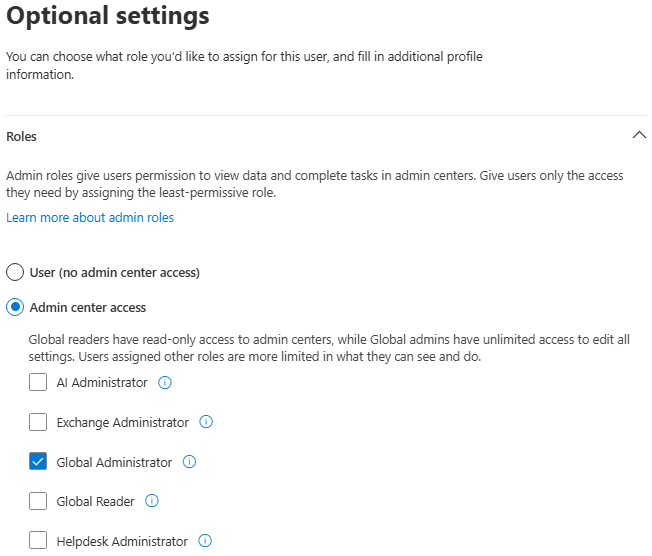
- Expand the Roles section and select the appropriate roles to the new user. For most users, you should select User (no admin center access). In this screen, you can also add additional contact information for this user.
If you are creating a local account for TCSP, select Global administrator and use Sales@TCSP360.com as the Alternative email address if asked.
- Click Next and then Finish adding.
- The system will generate a temporary password. Provide this password to your new user using a secure method.
Category: Microsoft 365 Tags: